
Your LawnCheck account
How to sign in to your account
There is no password. You type your email, we email you a link, and the link signs you in.
lawnchecksync.com/portal/login
Step 1 of 4
Open the sign in page
Use the Go to sign in button on this page, or go to lawnchecksync.com/portal/login.
From our website: on a phone, open the menu and tap Log in. On a computer, click Customer log in at the bottom of any page (on a wide screen, Log in is also at the top right).
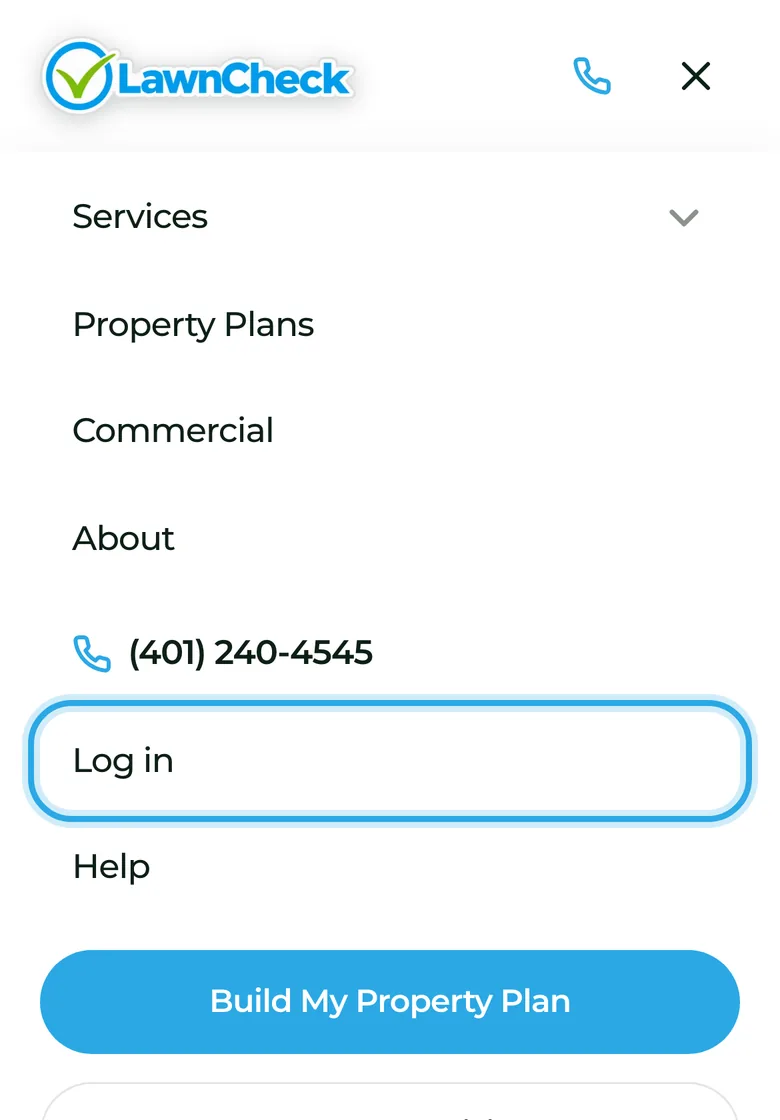
On a phone: open the menu, tap Log in. 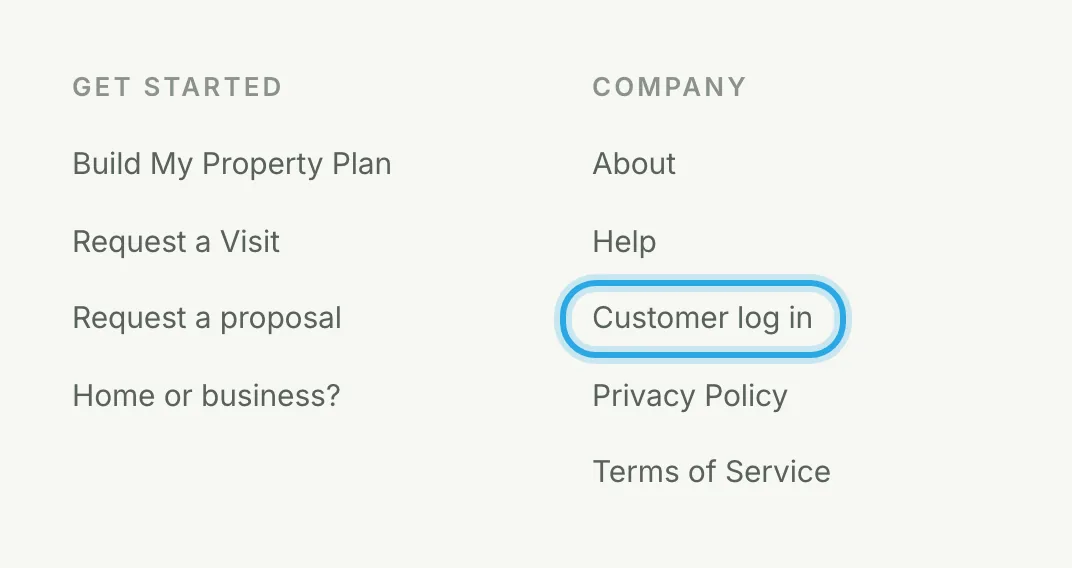
On a computer: Customer log in, at the bottom of every page. Step 2 of 4
Enter your email
Type the email we have for you (the one your proposals and invoices come to) and press Email me a sign-in link.
The page then says Check your inbox.
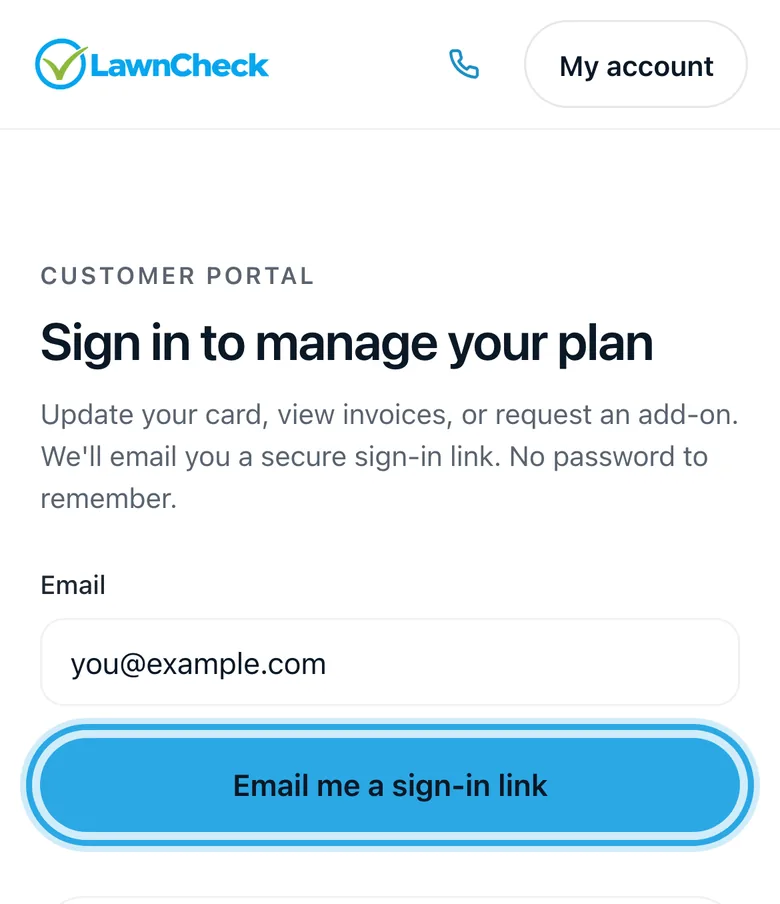
Type your email, press the button. 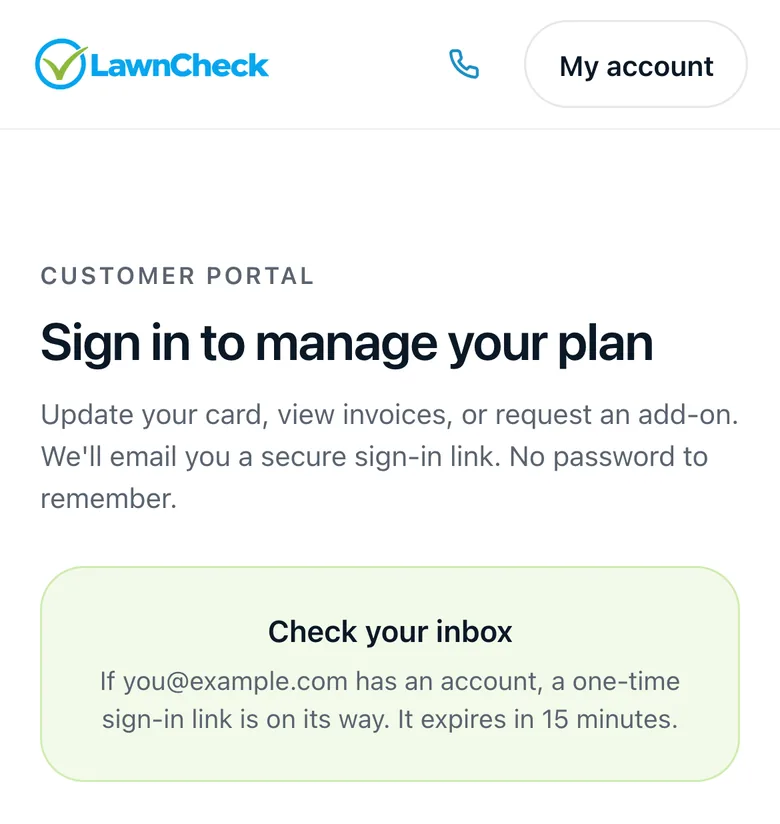
Then it says Check your inbox. Step 3 of 4
Open the email and tap Sign in
Look for an email from LawnCheck called Your LawnCheck sign-in link and tap Sign in. On the page that opens, tap Sign in once more.
The link works for 15 minutes and only once. If it has run out, go back to step 2 and press the button again for a new one.
Illustration: in Gmail it often lands under Updates. 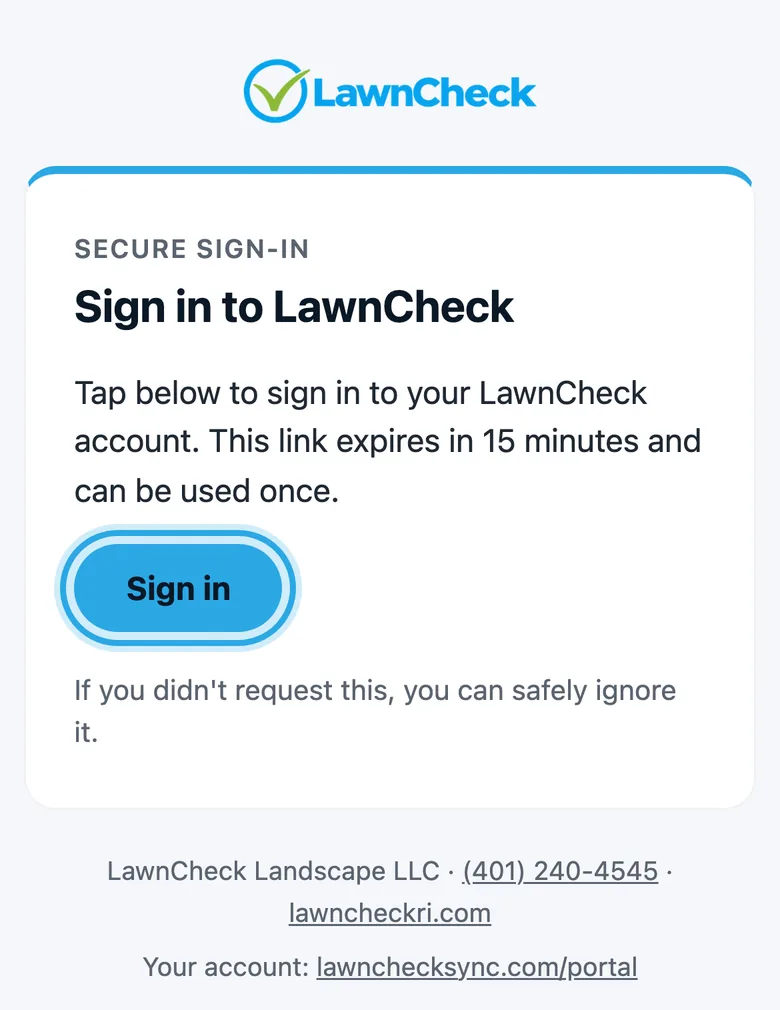
The email: tap Sign in. 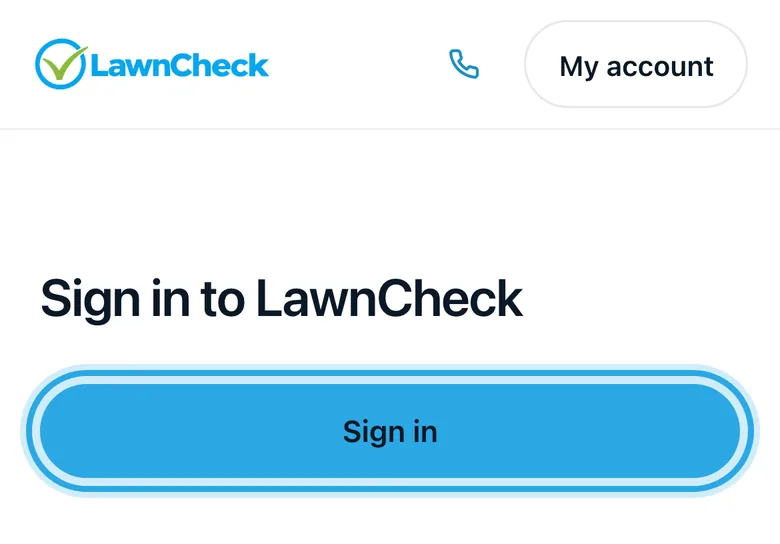
The page it opens: tap Sign in again. Step 4 of 4
You're in
Your account opens on Home: your next visit, your plan, and anything that needs you. The tabs take you to the rest.
Plan: what your plan covers and how it is paid
Visits: what is coming up and what was done, with the crew's notes and photos
Payments: your card on file, what is next, what you have paid, and your receipts
Requests: ask for more work and follow each request
Documents: every proposal and agreement you approved, under the round account button at the top right
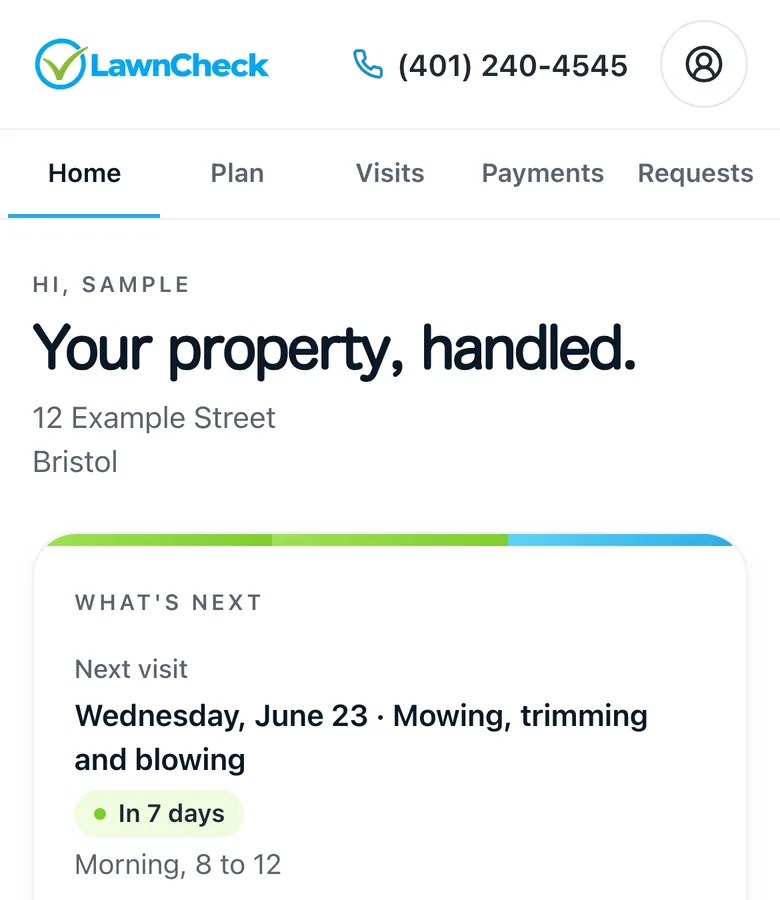
Home, on a sample account.
Need a hand?
Can't find the email?
If the sign in email isn't in your inbox, try these.
Check Spam, Promotions and Updates.
Search your email for Your LawnCheck sign-in link. In Gmail it often lands under Updates.
Use the same email you gave us.
The one your proposals and invoices come to. Another address will not get a link.
Ask for a new link.
Each link works for 15 minutes and once. Go back to the sign in page and press Email me a sign-in link again.
Still stuck?
Call or text (401) 240-4545 or email support@lawncheckri.com.